
Step by Step instructions OBJ to STL to Printing to Assembly
OBJ into OnShape
Sign into OnShape then press Create -> Import files

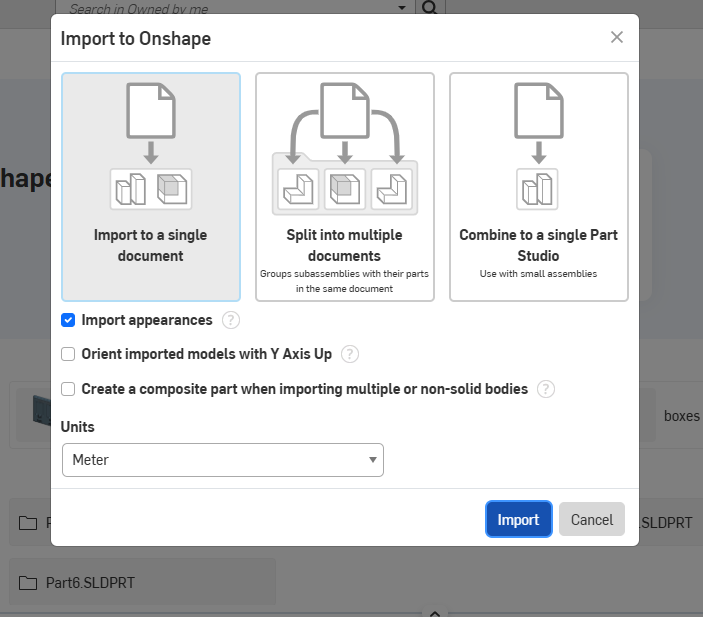
You can import the files all at once:
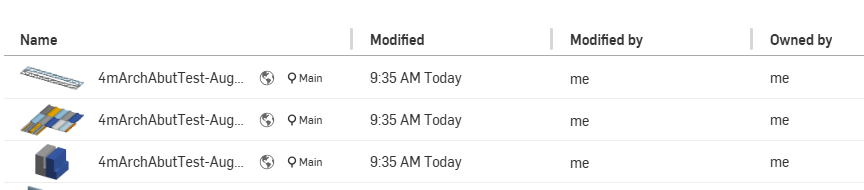
They will show up in your list:
When you click on one you will see a larger version in the workspace:

In the Parts list, hightlight all the parts you want to export and single right click to get to the options, click Export:

Make sure Units are Millimeters and Format is STL:
