
Solidworks Activation Error
Issue
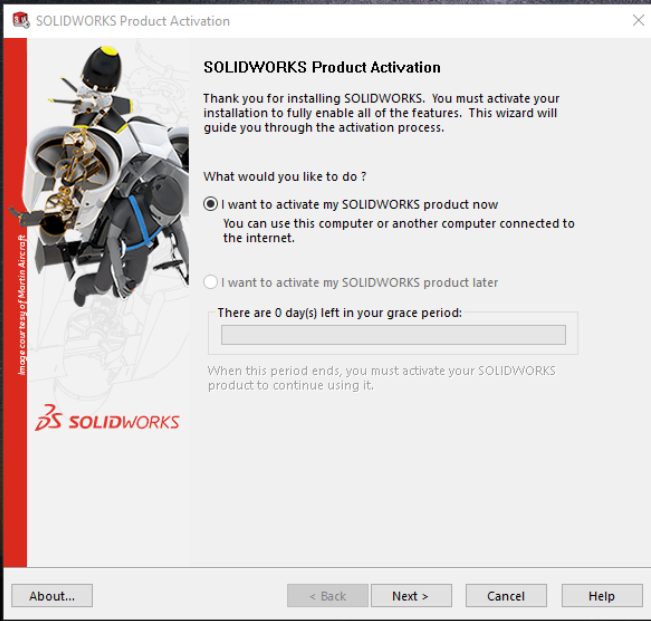
I have installed the student edition of SOLIDWORKS on my personal computer. When I try to launch SOLIDWORKS, a message is displayed indicating there are 0 days left in my grace period.
Symptoms
You may see a window similar to this:
Cause
SOLIDWORKS occasionally needs network access to "phone home" to SOLIDWORKS's licensing servers.
Solution
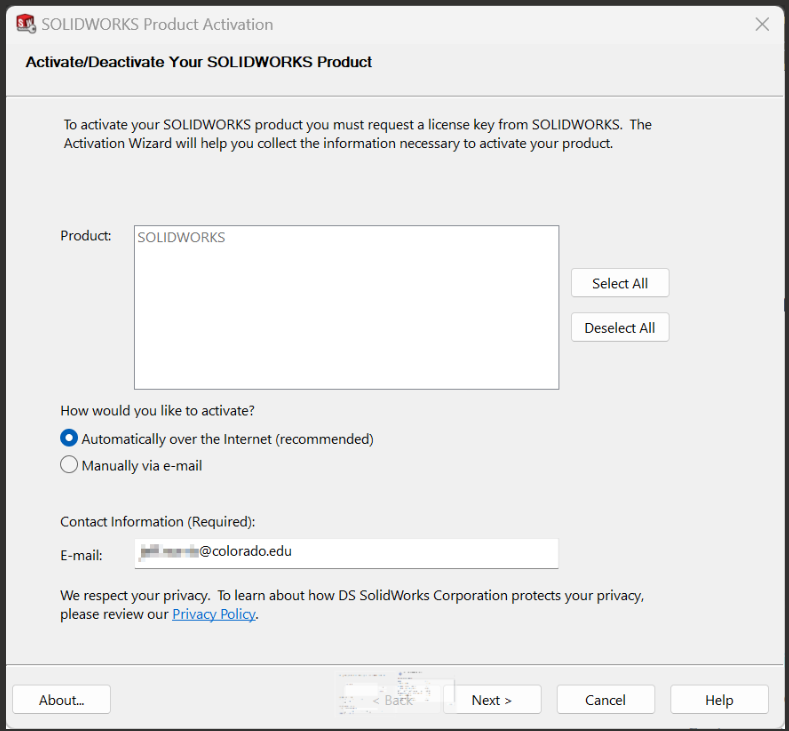
To reactive SOLIDWORKS, make sure you have an active network connection, such as by launching a web browser and ensuring you can navigate to https://www.google.com. Then, in the SOLIDWORKS Product Activation window, click Next, select activate "Automatically over the Internet", type in your @colorado.edu email address, then click Next.
If activation was successful, you should see a message similar to this:
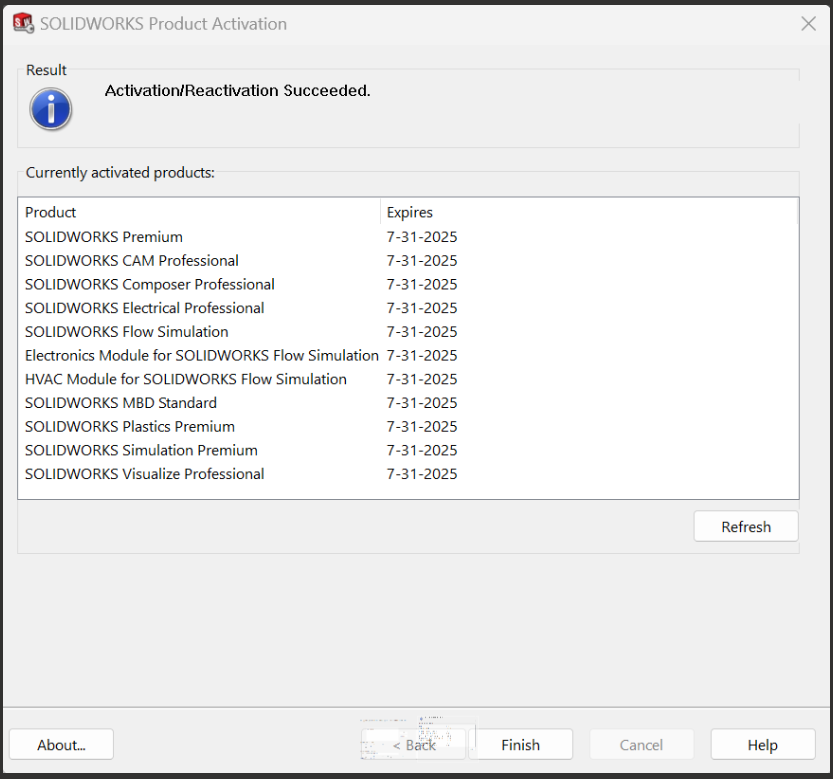
Click "Finish" to complete the product activation.