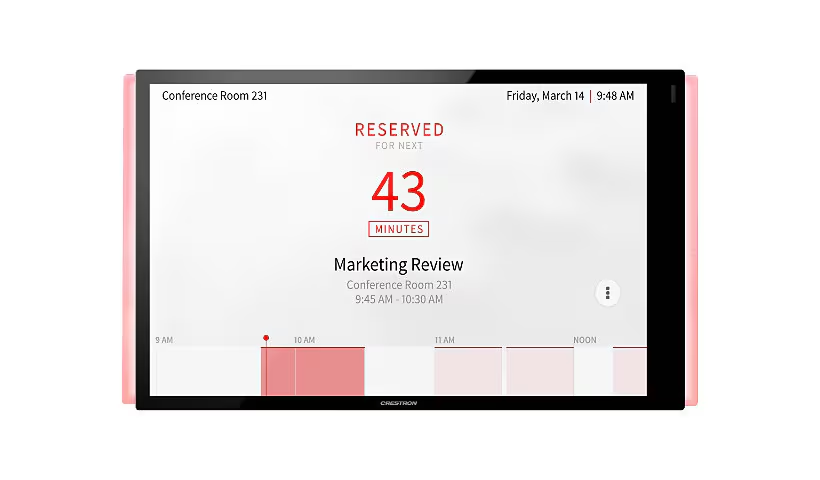
Reserving a Group Study Room
Online Reservation
Online Reservations are available for a maximum of 2 hours up to 7 days in advance.
Note: The Outlook interface differs slightly between desktop, web, and mobile.
|
1. Optional: Check current room availability in Team Up: https://itlp.link/gsr-calendar
|
|
| 2. Open Microsoft Outlook desktop application or navigate to Outlook for Web at office.com |  |
| 3. Navigate to Calendar |
|
| 4. Click on New Event |  |
| 5. Add a Descriptive Title for your meeting; this title displays on the Touch Panel and will make it easier for your group to find the room. |
|
| 6. In the Location Field, enter the name of the Group Study Room that you'd like to reserve |
Room Names:
|
|
7. Optional: If you didn't already check availability in Team Up, you are able to check it directly in Outlook.
A. Enter "ITLL-GSR-" to view available rooms for the time you selected
B. Or, pick an individual room to see its availability across a day or week.
|
--
|
| 8. Optional: Add attendees to the event |
|


In-Person Reservation
In-person reservations are available for a maximum of 2 hours, and only allow same-day meetings.
|
The lightbar on the touch panel indicates whether a room is currently reserved (Red) or free (Green).
Note: For currently reserved rooms, you are still able to book future same-day meetings for any times that the room is still available |
|
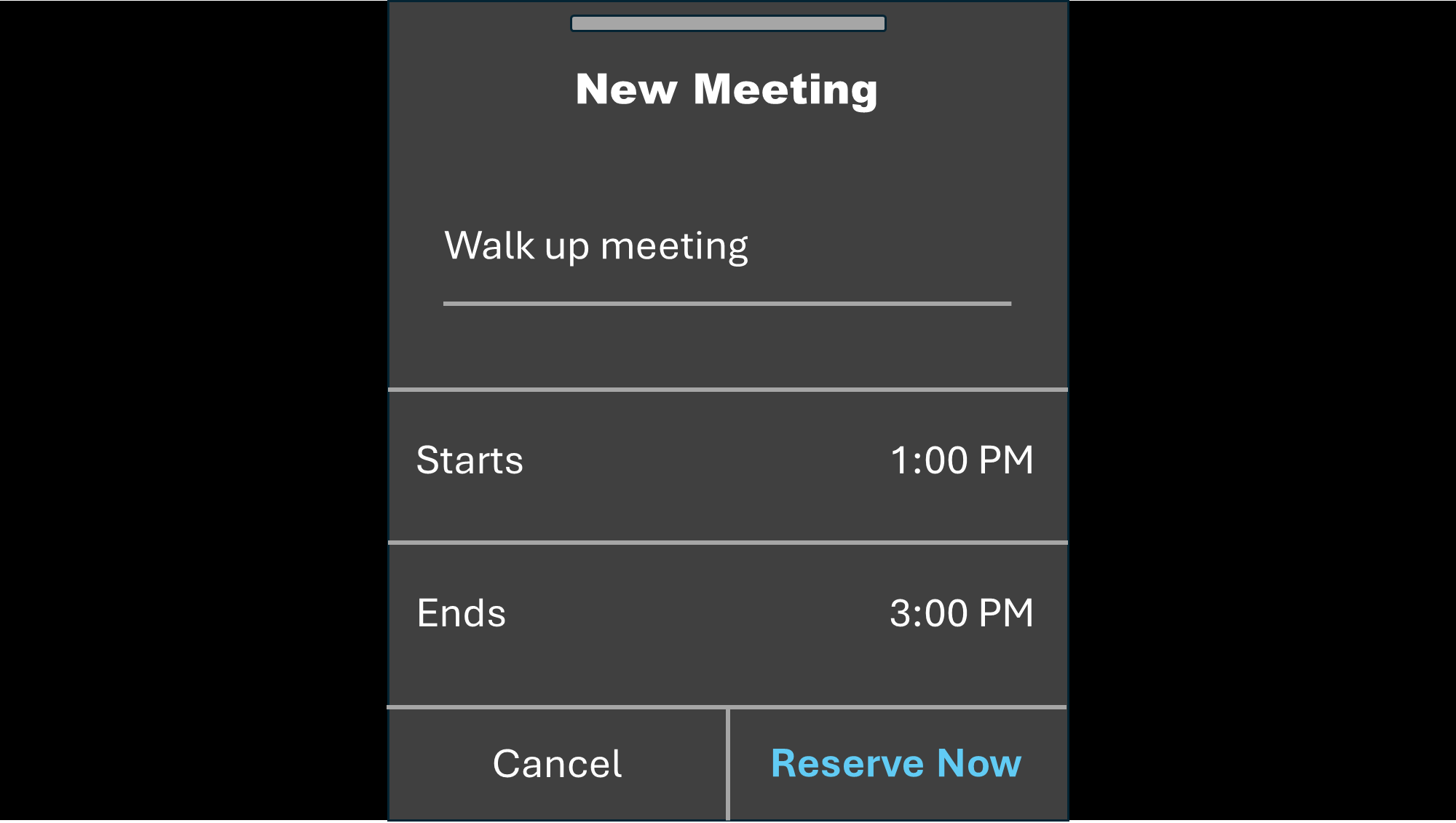
| Tap the '+' icon to reserve a walk-up appointment at an available group study room. |
  |
1. Replace 'Walk up Meeting' with a descriptive name for your meeting. This name will be displayed on the panel and make it easier for your group to identify the correct room.
2. Modify the Start and Stop time
3. Tap 'Reserve Now' |
|
 |