Sensor blog
Claire writes about sensors - documenting edge cases, best practices, and other fun experiments worth sharing.
Which accelerometers can detect vibration?
Accelerometers measure motion, vibration, and mechanical shock. Inside of an accelerometer is an internal mass that is static until it experiences a change in velocity. This acceleration causes the mass to press to move, and it will press upon either a piezoelectric material or a capacitive sensor. In this way, a mechanical force is transmitted to an electrical signal, and the acceleration can be deduced. Most cell phones use a capacitive sensor.
I used:
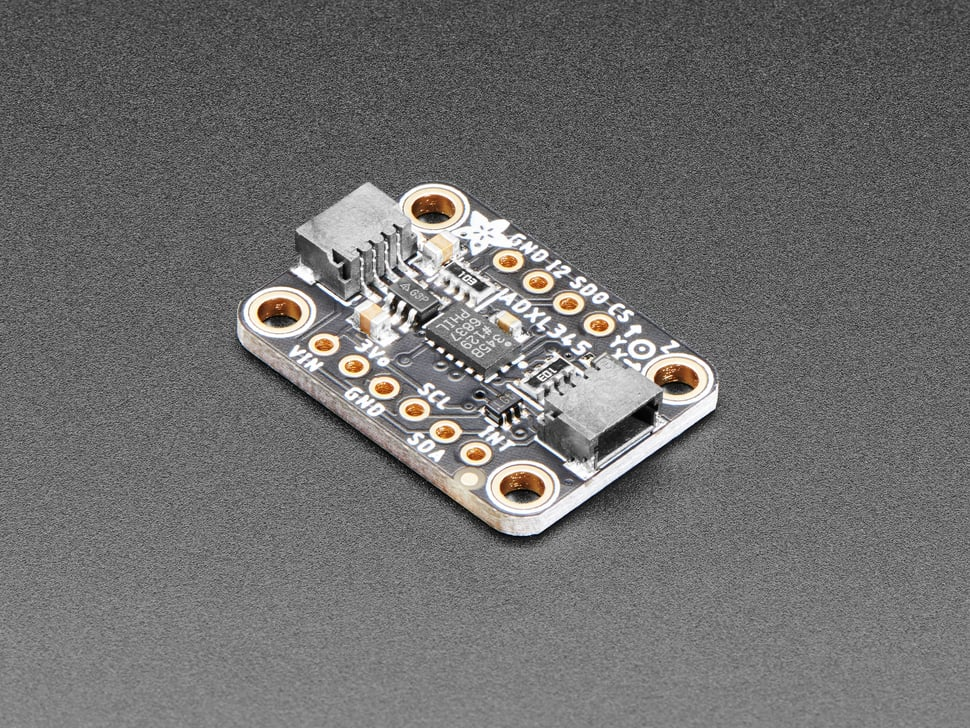
ADXL345 3-axis accelerometer (+/- 2,4,6,8, or 16g)
- digital I2C and SPI breakout (can use 5V or 3.3V)
- This board/chip uses I2C 7-bit address 0x53
- MEMS
- lower g good for slower movements
-
How it Works (from: https://learn.adafruit.com/adxl345-digital-accelerometer)
MEMS - Micro Electro-Mechanical Systems
The sensor consists of a micro-machined structure on a silicon wafer. The structure is suspended by polysilicon springs which allow it to deflect smoothly in any direction when subject to acceleration in the X, Y and/or Z axis.
Deflection causes a change in capacitance between fixed plates and plates attached to the suspended structure. This change in capacitance on each axis is converted to an output voltage proportional to the acceleration on that axis.

I found that 100Hz was sufficient to capture a phone vibration (shown above).
You can set the range of the frequency response from 10 Hz to 3.2kHz, but "rates above 100Hz will exhibit increased noise". I found that 100Hz was the minimum to detect a phone vibration, with phone laying on my desk, and accelerometer in a breadboard which was also sitting on my desk, separated from each other by a few inches. I did not observe egregious noise (see gif above).
I found this library to be quite useful: https://learn.adafruit.com/adxl345-digital-accelerometer/library-reference .
So you want to read a BuffCard
Several student projects desire using a BuffCard for authentication. Most commonly, I have seen these sorts of projects for secure bike locking.

Cheap RFID reader
I set out to see if this is possible with a cheap Amazon RF ID-RC522 like these ones that average < $5 a pop:

In less than 10 minutes, I was able to read in my ID. This board uses 3.3V, and 5V could destroy it permanently! (note I did not test this, I didn't feel like breaking it)
Library used: MFRC522 by GithubCommunity
Note on pinout: I used every pin except for IRQ (interrupt)
Note on frequency: This reader reads 13.56MHz...I tested a few random RFID cards I had laying around, and only the 13.56MHz cards were read by the RFID reader.
Note on range: the card needed to be held VERY close, about 1cm away from the reader.

Example sketch used: DumpInfo.ino
Output looks like this (don't forget to open your Serial monitor and make sure that baud rate on dropdown menu matches baud rate specified in code):

It would be straightforward to integrate this into a project where you write code to ask Arduino to perform a certain task (release a solenoid lock, move a servo...) for a specific Card UID.
Adafruit PN532
Next I tried the Adafruit PN532 RFID/NFC Shield. It also measures at 13.56 MHz, and communicates over SPI (like the cheap Amazon reader tested above) as well as I2C. If you want to use SPI (which they recommend), you need to close two jumpers on the shield (SEL1 and SEL0). I was lazy and decided to leave them open, which puts the board in I2C mode.
Library used: Adafruit PN532
Example sketch used: readMifare.ino **Since I chose to use I2C, I had to comment out the lines declaring pins for use with SPI (lines 42-45), as well as the SPI connection (line 56). I had to uncomment the line for initializing for I2C (line 65).**
Output looked like this: (for a 13.56MHz RFID card):

Buffcard output looked similar (I am omitting my entire UID):
Found an ISO14443A card
  UID Length: 7 bytes
  UID Value: 0x04 ......
Range: The range on this reader was slightly better than the cheap amazon reader. I was able to read my buffcard at a distance of ~ 2", which is better than 1cm. It's possible that for longer distances, an active tag is required (battery powered).
Success!
So which one should a student buy?
Honestly, for most projects, the cheap Amazon reader seems sufficient. There was no noticeable difference in acquisition time, accuracy, or how far away you can hold the card and get a reading (slightly better distance for the Adafruit reader: 2" vs 1cm). The Amazon reader uses 3.3V, not 5V. I did not test with 5V to see if it could handle the voltage. I didn't feel like potentially breaking it.
Humidity sensing
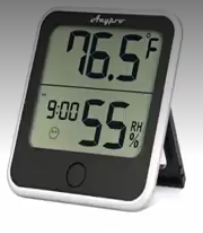
Available for checkout from the ITLL are three main types of humidity sensors, and this week I decided to test them against each other.
HIH-4030 (code available on my Github)
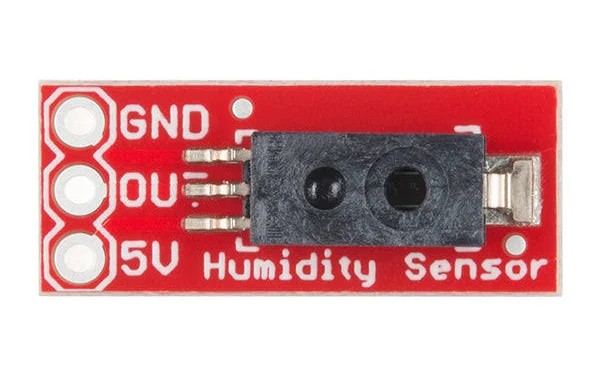
DHT-11 (code available on my Github)

Indoor 2-in-1 Humidity/Temp monitor

Humidity data comparing two identical HIH-4030 sensors - the red data corresponds to a broken sensor. When I generate humid air near the sensors, readout plummets to zero (red data) on the broken sensor.
The HIH-4030 and the DHT-11 both use a capacitive element to detect changes in humidity. They have a stated accuracy of 5%. I found that two identical HIH-4030 sensors gave output that varied by ~4%, which is within the claimed accuracy. However, one of them appears to be broken because when I placed the sensors next to each other and generated humid air near the sensors, the RH% signal increased on one sensor (as expected, blue data above/red data below), but the other sensor's output plummeted to zero before rising.
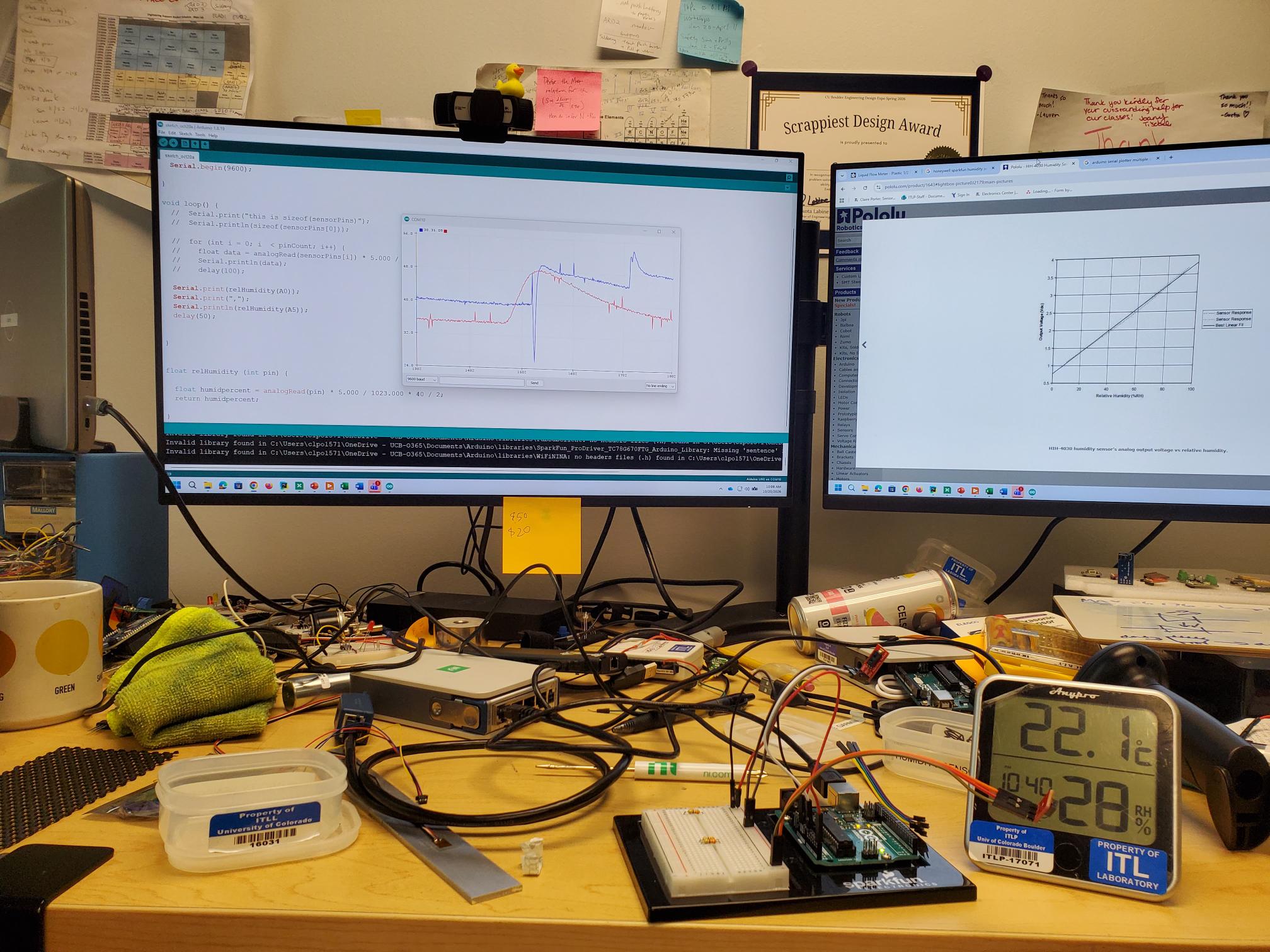
I know the y-axis is impossible to read in image above; room RH% is ~40% on top (blue) trace, and ~36% on bottom (red) trace. Blue data plummets to zero when exposed to humid air source, suggesting sensor failure. I retired sensor from our inventory. The linear plot on left I pulled from the datasheet for the HIH sensors and used this plot to write code to convert Arduino's analog signal to RH%.